The Complete Coach’s Guide to Getting Started with Courtside Stats
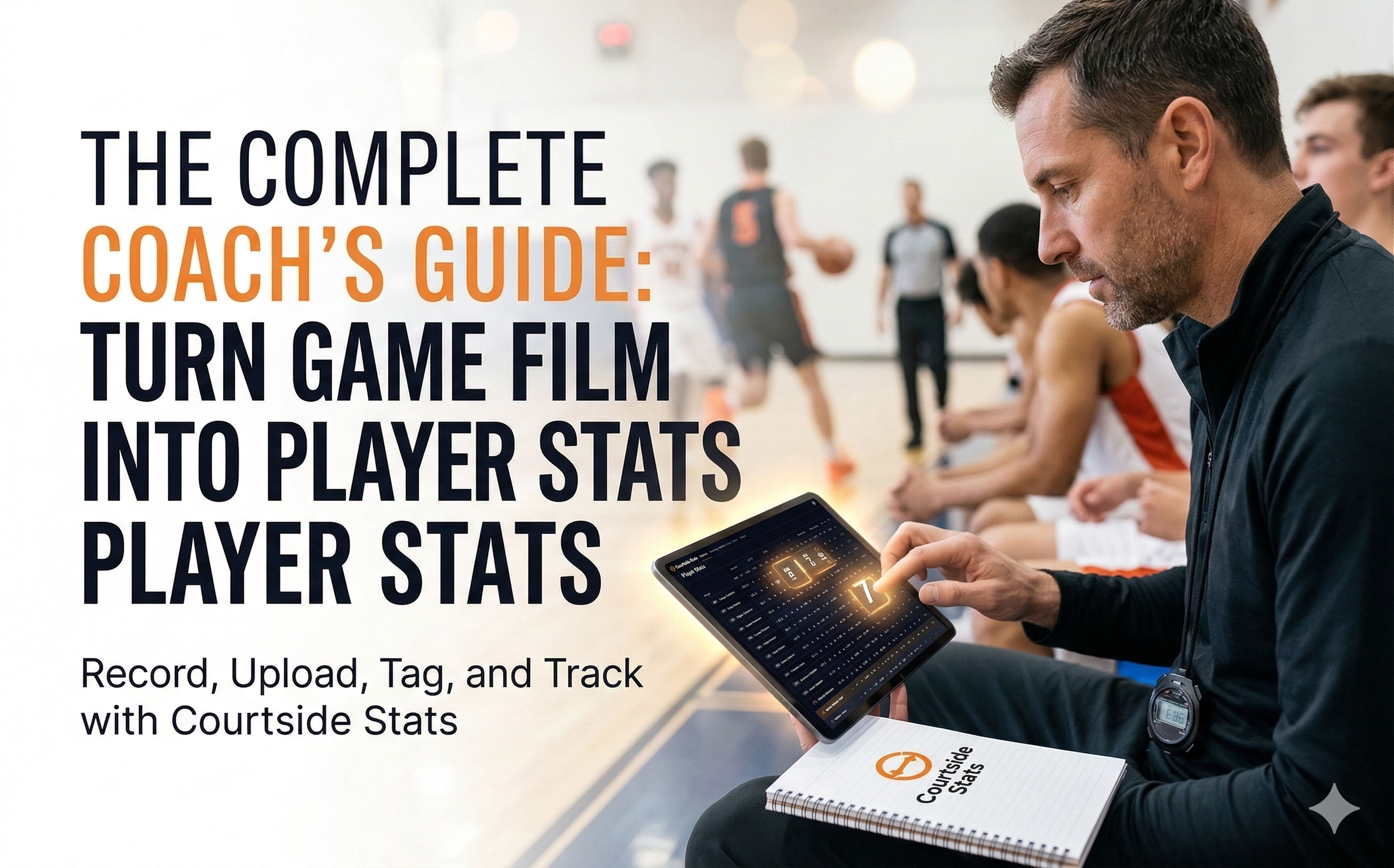
Basketball is becoming an increasingly data-driven sport.
At the professional level, teams rely heavily on statistics and analytics to evaluate performance and guide player development.
But for many youth and semi-professional teams, tracking player statistics is still difficult and time-consuming.
Most teams record their games today. Yet very few actually turn that footage into structured player statistics that can help improve performance.
That’s where Courtside Stats comes in.
Courtside Stats allows coaches to generate player statistics directly from game film — turning passive video into real insights about player development and team performance.
This guide will show you how to get started.
Why Coaches Need Player Statistics From Game Film
Game film is valuable. It allows coaches to review plays, analyze mistakes, and show players concrete situations from the game.
But video alone has limitations.
Without statistics:
- It’s difficult to track player progress over time
- Coaches rely on memory rather than objective data
- Comparing performances between games becomes difficult
- Identifying trends in team play takes too much time
Statistics help solve this problem.
They allow coaches to:
- measure player development
- identify strengths and weaknesses
- track performance across games
- make better lineup decisions
The challenge has always been how time-consuming it is to produce those stats manually.
Courtside Stats was designed to solve exactly that problem.
What Courtside Stats Does
Courtside Stats helps coaches create player statistics while watching game film.
Instead of writing notes on paper or manually building spreadsheets, you simply tag player actions during the game video.
The platform then automatically generates statistics based on those actions.
In practice, this means coaches can go from game film to structured player stats in a fraction of the time.
Step 1: Record Your Game
The first step is simple: record your game.
Most teams already do this using:
- a phone
- a tripod
- a camera in the stands
- automated recording systems
The video quality does not need to be perfect. What matters most is that the court and player actions are clearly visible.
Once the game is recorded, you are ready for the next step.
Step 2: Upload the Game to YouTube
Courtside Stats uses YouTube as the video source for your game film.
This means you first upload your recorded game to your YouTube account.
Many teams already use YouTube to store their games because it provides reliable playback and easy sharing.
To upload your game:
- Sign in to your YouTube account
- Click Create → Upload Video
- Upload the recorded game
- Set the video to Unlisted if you only want people with the link to view it
Once the upload is finished, copy the YouTube video URL.
You will use this link when creating your match in Courtside Stats.
Step 3: Create a New Match in Courtside Stats
After your game is uploaded to YouTube, the next step is to create a new match inside Courtside Stats.
When creating a match, you will enter the information needed to track the game properly.
Match Information
Start by filling in the basic details about the game.
Opponent
Enter the name of the opposing team.
Match Date
Select the date the game was played.
Location
Choose whether the game was played Home or Away.
Competition
If you track multiple leagues or tournaments, you can select the competition here.
Game Format
Next, define how the game is structured.
Period Type
Choose whether the game uses:
- Quarters
- Halves
Most basketball leagues use quarters, but some competitions use halves.
Minutes per Period
Enter the length of each period.
Typical values include:
- 10 minutes for quarters
- 15 minutes for halves
This ensures the match timeline aligns correctly with the video.
Video Type
Courtside Stats supports two types of video recordings.
Full Video
A full recording that includes:
- timeouts
- breaks
- halftime
Clean Video
A video where timeouts and breaks have already been removed.
Selecting the correct type helps keep the game timeline aligned with the footage.
Add the YouTube Video
Next, paste the YouTube link for the game.
Simply copy the URL from YouTube and paste it into the YouTube Link field.
Courtside Stats will load the video so you can analyze the game directly while watching the footage.
Select the Match Roster
Before starting the match analysis, select which players participated in the game.
In the Match Roster section you can:
- choose players from your team roster
- verify or adjust jersey numbers
- add guest players if needed
Each selected player will then be available when tagging actions during the game.
If two players have the same jersey number, Courtside Stats will display a warning so you can correct it before starting the match.
Step 4: Track Player Actions While Watching the Game
Once the match is created, click Start Match to begin analyzing the game.
As you watch the video, tag player actions such as:
Offensive actions
- shots made
- shots missed
- assists
- turnovers
- rebounds
Defensive actions
- steals
- blocks
- defensive rebounds
Each tagged action is automatically linked to the correct player and moment in the game.
Instead of just watching the game, you are now building a structured statistical record of what happened on the court.
Step 5: Generate Player Statistics Automatically
Once the game has been tagged, Courtside Stats compiles the data and generates player statistics automatically.
This can include metrics such as:
- total points
- shooting percentages
- assists
- turnovers
- rebounds
- defensive contributions
Because each action is tied to the game timeline, coaches can jump directly from a statistic to the exact moment in the video where the play occurred.
This combination of statistics and film is extremely powerful for coaching.
Step 6: Use the Data to Improve Player Development
The real value of statistics is not the numbers themselves — it’s how they help players improve.
With structured player statistics, coaches can:
Track development over time
Players can see how their performance evolves from game to game.
Identify strengths and weaknesses
Statistics make it easier to see where players excel and where they need improvement.
Plan better practices
Instead of guessing what to train, coaches can use real data from games to guide practice planning.
Give players objective feedback
Players respond better when feedback is supported by real performance data.
Best Practices for Coaches Using Courtside Stats
To get the most value from the platform, many coaches follow a few simple habits.
Analyze games soon after they are played
The closer the analysis is to the game, the easier it is to remember context and coaching decisions.
Focus on key actions first
You do not need to track every possible statistic. Start with the most important ones for your team.
Review statistics with players
Sharing the insights with players helps them understand their contributions to the team.
Track trends across multiple games
The real power of statistics comes from identifying patterns over time.
Getting Started With Courtside Stats
If your team already records games, you are only a few steps away from generating meaningful player statistics.
Courtside Stats allows you to:
- turn game film into structured data
- track player performance across games
- generate statistics quickly and efficiently
- support player development with real insights
For coaches who want to go beyond simply watching film, Courtside Stats provides the tools to turn every recorded game into valuable performance data.
Start Tracking Player Stats From Your Game Film
Upload your first game, tag player actions, and see how quickly your team’s performance data comes to life.
Start using Courtside Stats today.